
Happy New Year to My Love: How to Say Sweet Messages
Want to kick off the New Year on a high note with your partner? Sweet words have the power to strengthen your bond and put a smile on […]
 Download the app
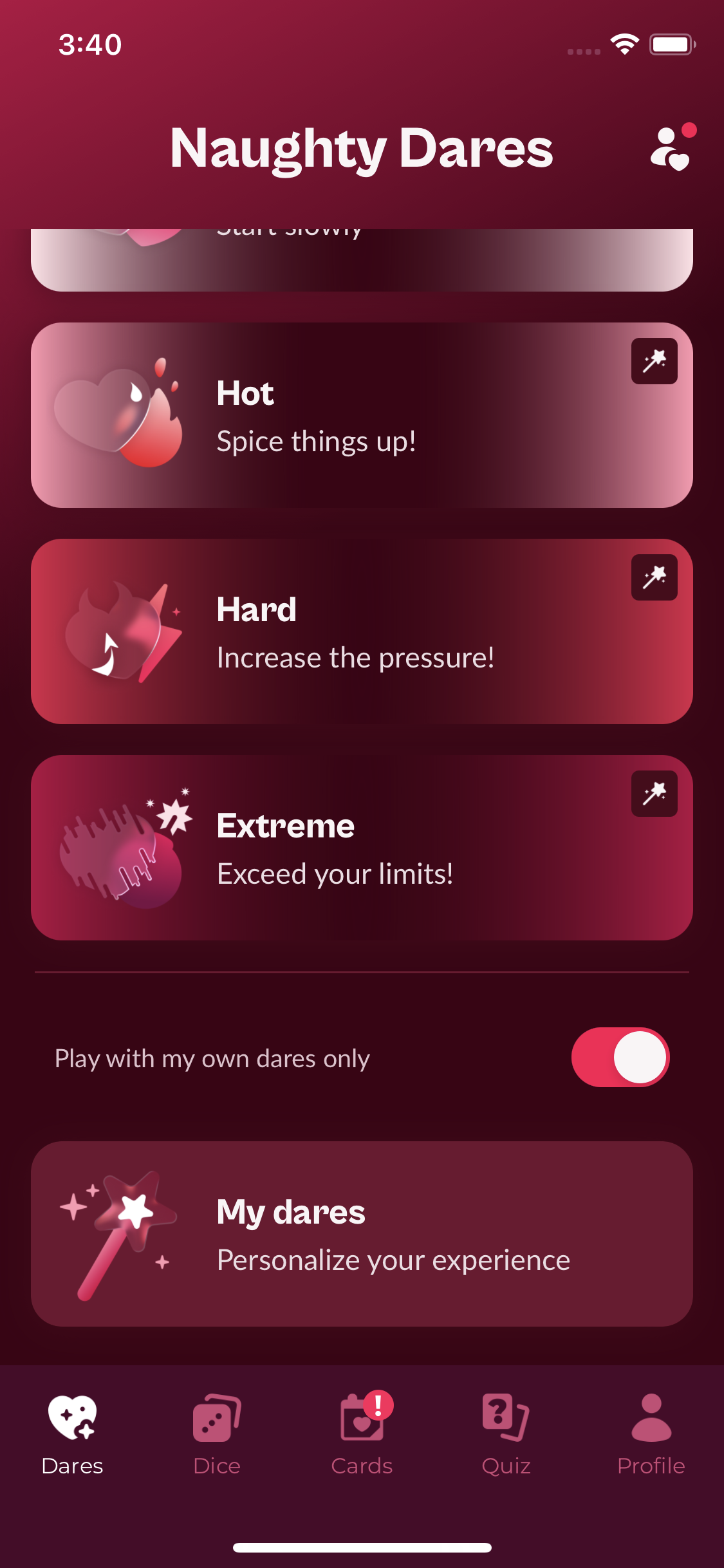
Want to make your games even more personal? You can create your own truths and dares, decide which intensity level they belong to, add an optional timer, and choose whether to mix them with the app’s challenges or play with your own dares only.
Open the Dares home screen. The custom-dare controls are displayed below the challenge levels:
The My dares screen lists the truths and dares you have already created. Tap the pencil button to write a new challenge, or select an existing one to edit it.
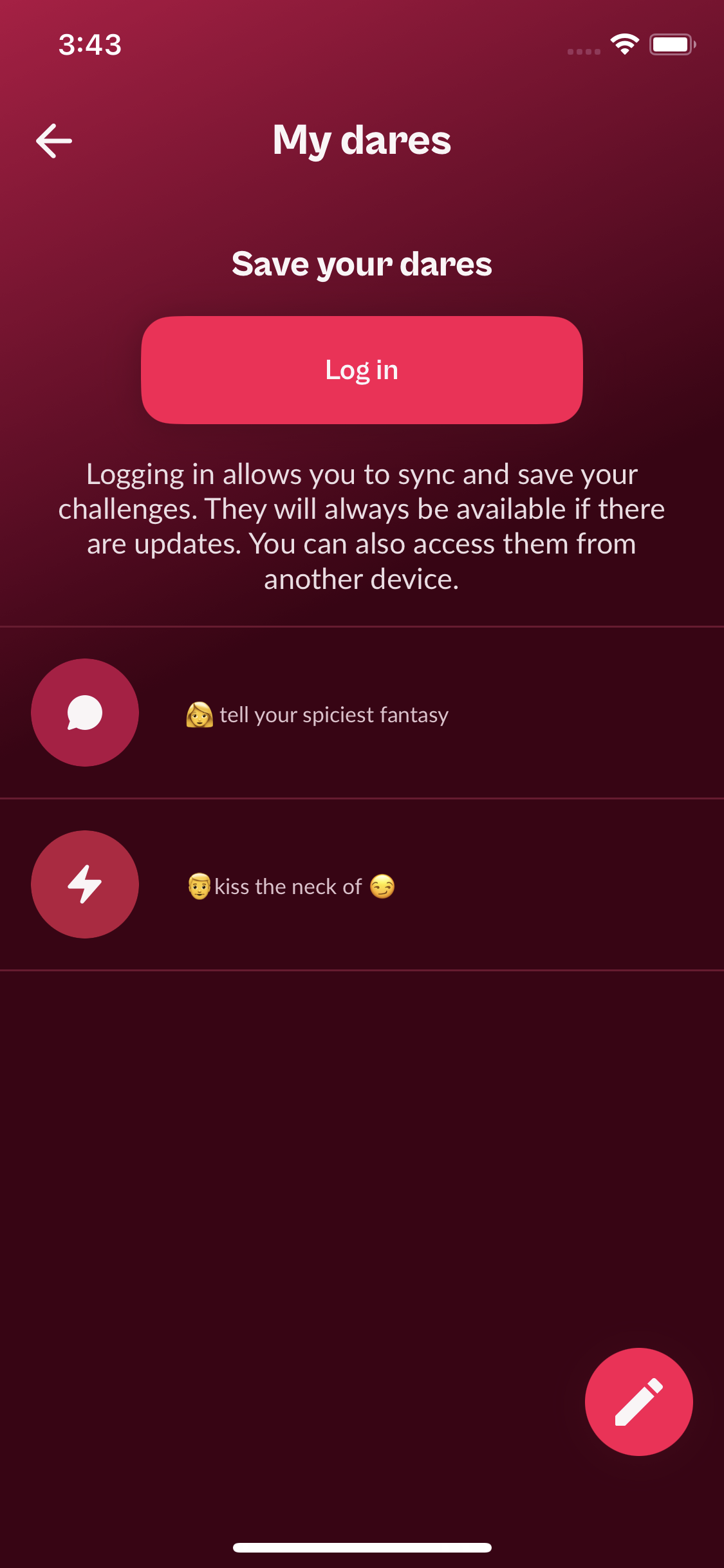
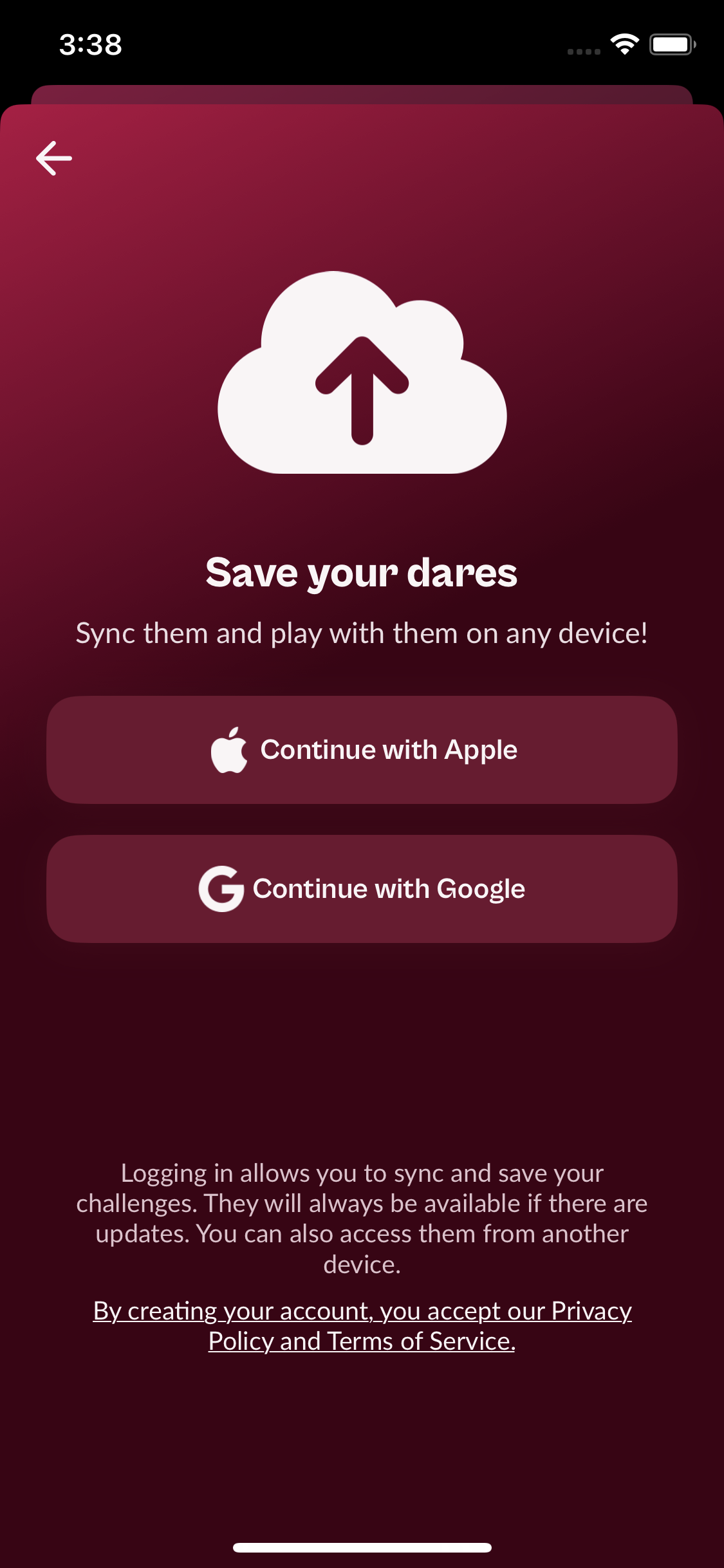
You need to create an account or log in to save and sync your custom challenges. This account and the email address you choose are used only to store your custom dares and make them available after an update or on another device.
Your custom-dare account is separate from your premium purchase or subscription. Premium access is managed by the payment platform used for the purchase: Apple, Google for older Android purchases, or CCBILL if you use the APK version available since the app was removed from Google Play.
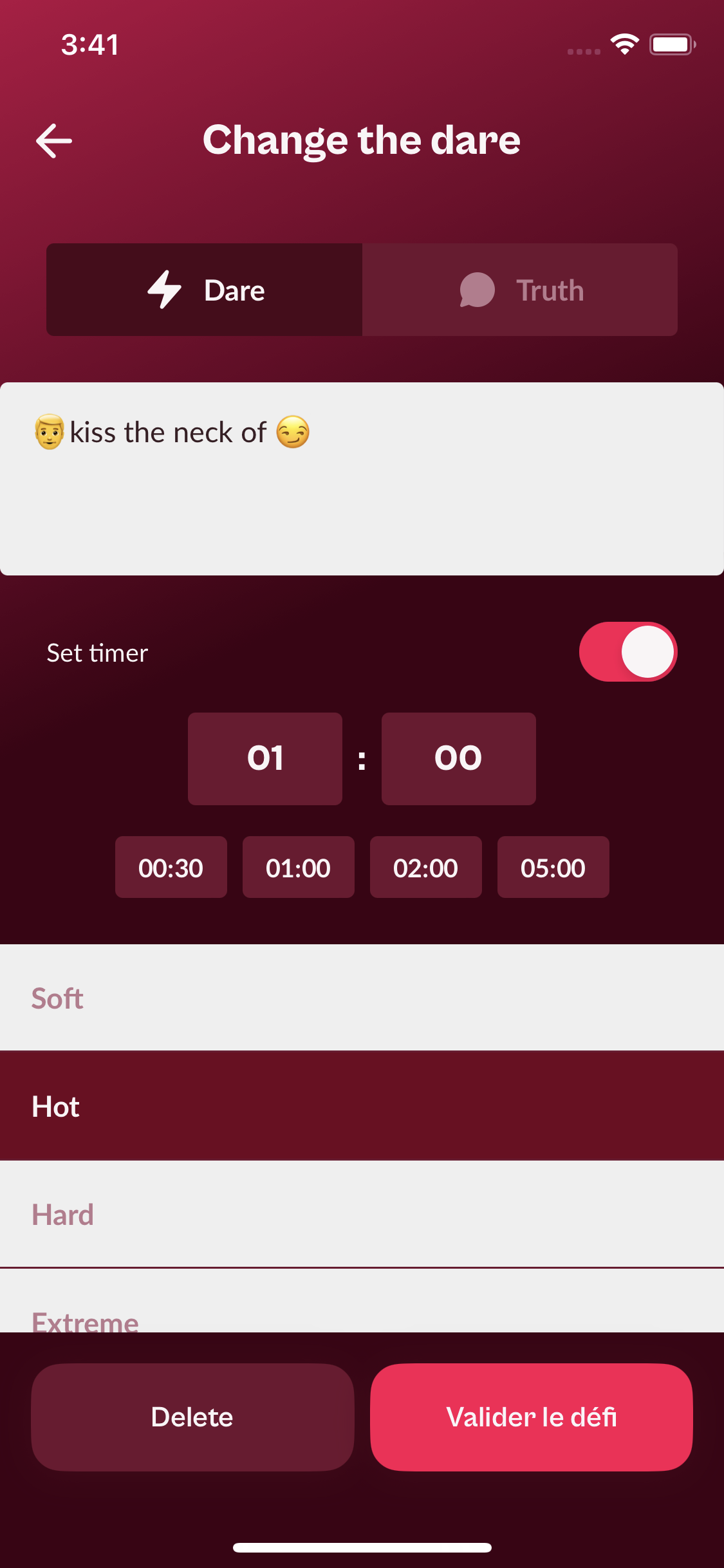
In the editor, first choose Dare or Truth, then write your challenge. Use the following emojis to tell the app which player should be selected:
If these emojis are not offered as buttons in your version of the app, you can add them directly from your phone’s emoji keyboard.
Use no more than two player emojis in one challenge. The Couple Game app is designed for two players. If you add more than two, the app may interpret the challenge as a multiplayer dare and will not display it. The emojis must also match the relationship selected in the players’ profile: a challenge containing two 👩 emojis requires a lesbian profile, while a challenge containing two 👨 emojis requires a gay profile.
You can turn on the timer and choose how long the players have to complete the dare. The countdown will then appear during the game. Before saving, assign the challenge to Soft, Hot, Hard, or Extreme.
Hot, Hard, and Extreme are premium levels. If you assign a custom challenge to one of these levels without having premium access, you will not be able to play it.
When you spin the wheel, the app selects a player at random and then looks for a compatible custom challenge in the chosen level. For example, imagine that a heterosexual couple has created only one custom truth beginning with 👩. If the wheel selects the man, the app may say that no custom challenge is available for this level because that truth is meant for the woman. Spin again and the challenge can appear when the compatible player is selected.
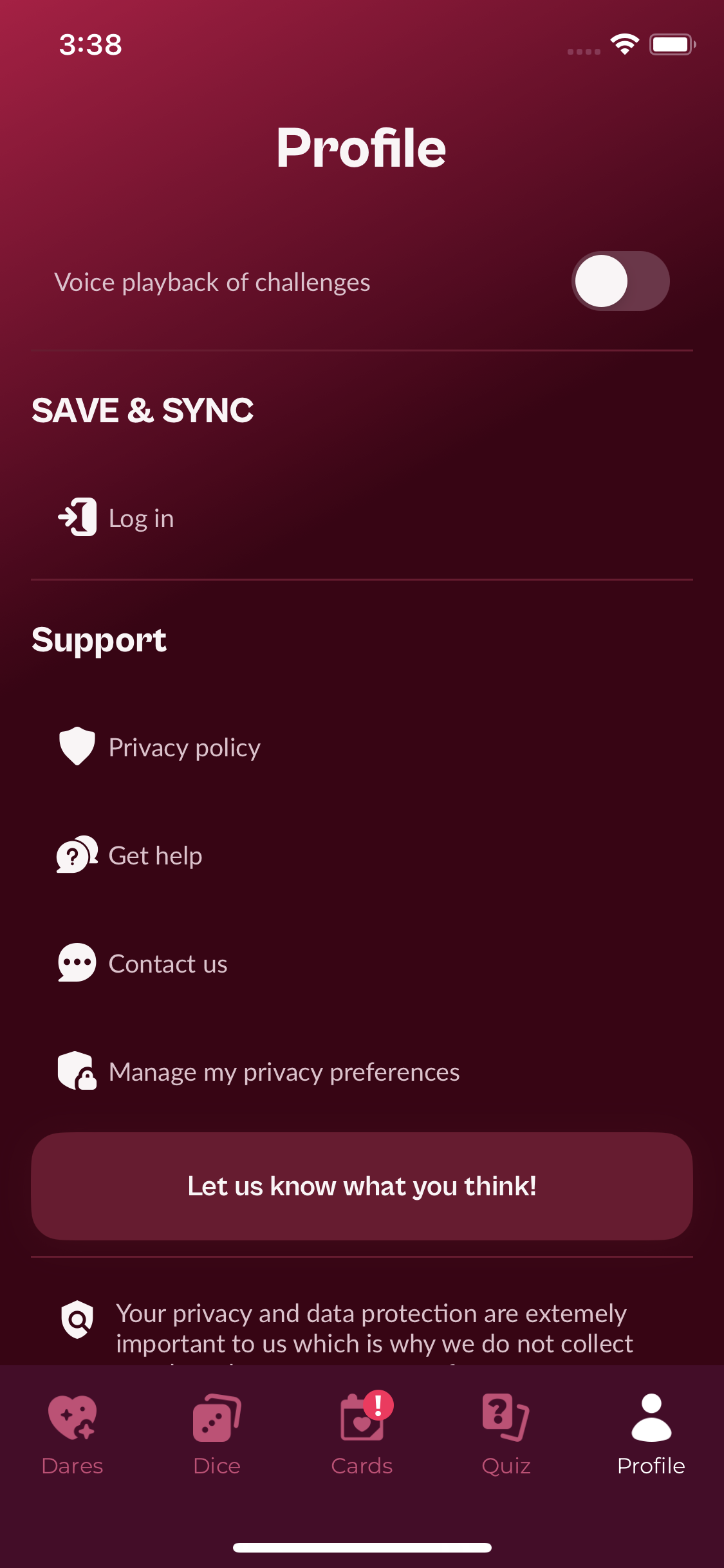
If you want to sign out of the email address used to save your custom dares, open the Profile tab. In the Save & Sync section, the Log in option changes to Log out when an account is active. Tap it to end the session.
Once your challenges are saved, you can switch between a fully personalized game and a mixed game at any time from the Dares home screen.


Want to kick off the New Year on a high note with your partner? Sweet words have the power to strengthen your bond and put a smile on […]

Taking the leap of moving in together is a huge milestone in any relationship. It’s exciting (hello cozy nights and shared Netflix passwords 🍿), but it also comes […]
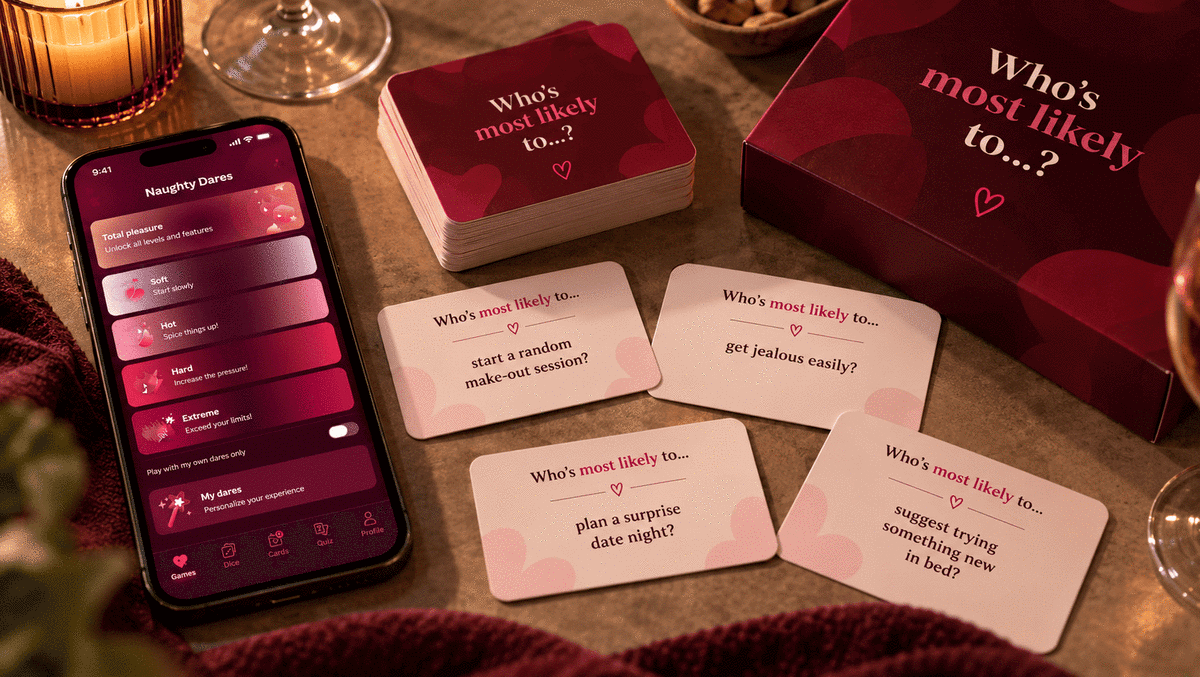
If you are in a relationship and are looking for new ways to have fun or strengthen your bond with your partner, the game “who’s the most likely […]